The Block Conditions feature brings the advanced Display Conditions system to any block in the WordPress block editor. Now you can conditionally display any kind of content using the power of GenerateBlocks Pro Conditions.
Getting Started
- Select a Block in the Editor
- In the block Settings expand the Advanced panel.
- Choose a Display Condition to apply to the block
Display Condition Settings
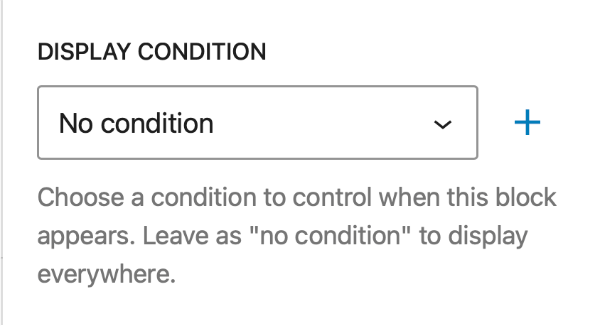
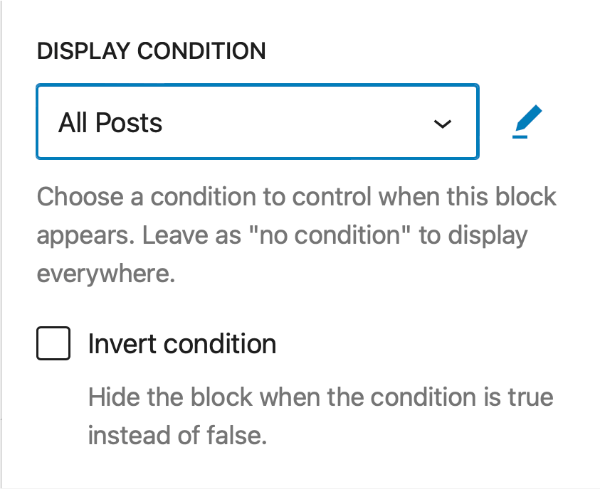
Setting, Adding and Editing Conditions
By default the selection will be set to No condition, meaning the block will always be displayed.
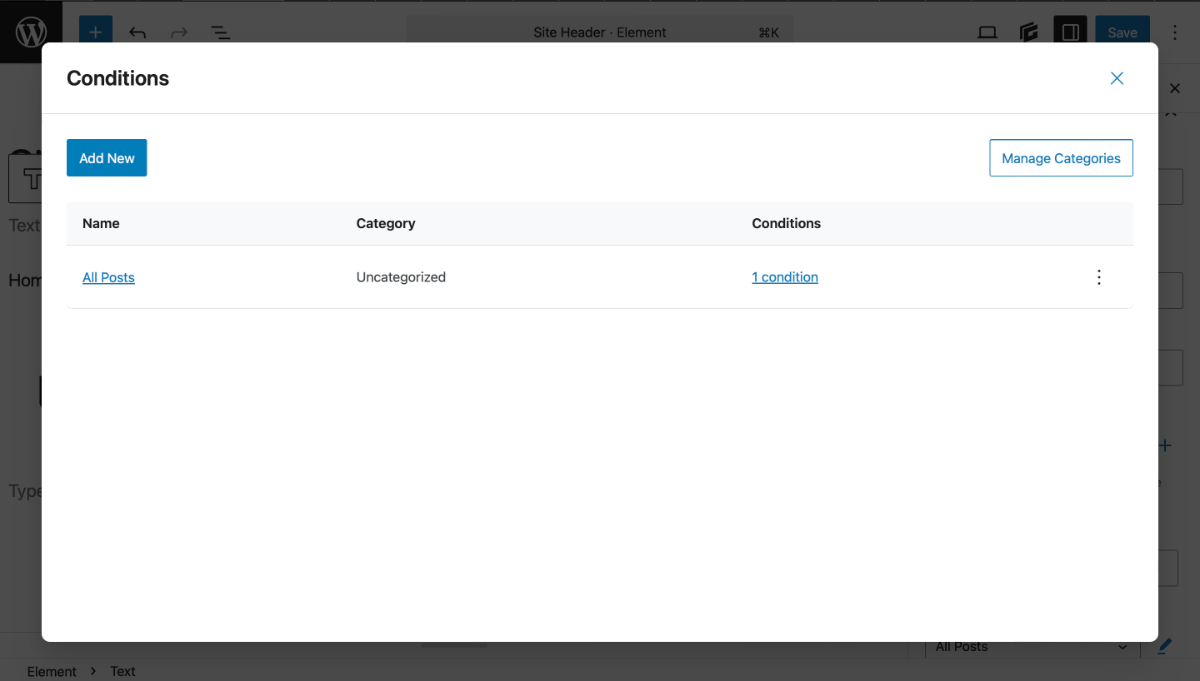
Beside the Condition select box you have the option to either:
Either option will open a modal window so modify the conditions so you don’t have to leave the editor.

Invert Condition
Checking the Invert Condition box will allow you to Hide the block if the condition is met.
This is a workflow enhancement that saves time and removes the need to create separate inverted conditions.