Description
Create a site header element with optional sticky header options.
Toolbar
The Site Header block has the following toolbar options.


Add to Container
Add the selected blocks inside a new Container Block
Block Settings

Sticky Header
Choose a sticky header option:
- None ( default )
Do not apply sticky - Always Sticky
Header is always sticky - When Scrolling Up
Header is sticky when the user scrolls up - Past Threshold
Set a Threshold in Pixels for when to display the sticky header.
Sticky Breakpoint
Choose the display size for the Sticky Header to apply
- Always
Add to all devices - Mobile
Add to mobile devices - Desktop
Add to desktop devices - Custom
set a custom device size
Tag Name
Choose the blocks HTML Element tag:
- div
- section
- aside
- header
- nav
Sticky header styling
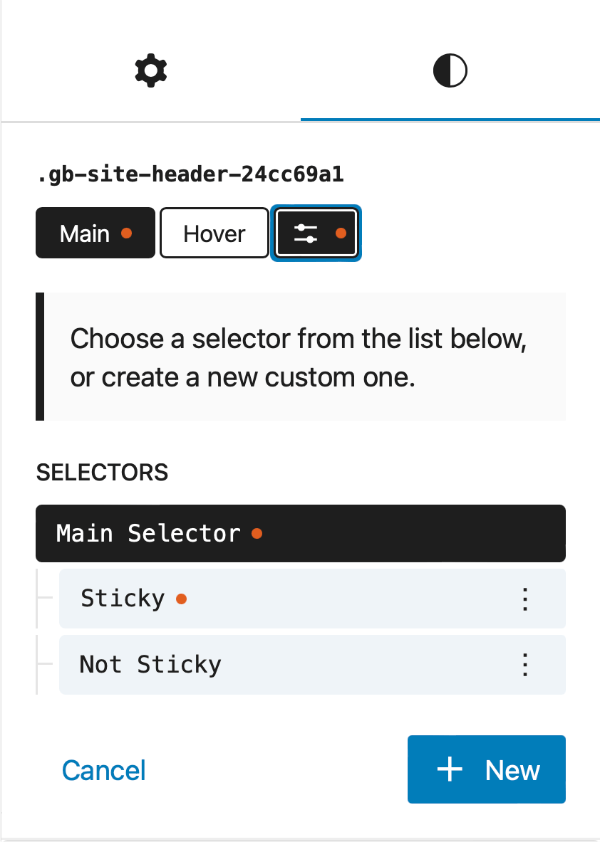
The sticky head comes with 2 pre-defined selectors allowing you to apply specific styles to the Sticky and Non-sticky states.
.gb-is-sticky
:not(.gb-is-sticky)